Content creation
For creators building their content library.
- Published Studio video templates
- Your creative brief and references
- A credit ceiling for every generation
- Finished content in one library
Create videos with Studio. Prepare and review your posts. Manage your device workflow, wherever you work.
No payment to sign up. Workspace activation by request.
One place to bring your creative work and publishing operations together.
Set up your workspaceTell us about your brand, your channels, and the device capacity you need.
Choose a published video template. Add your brief and references, set a credit ceiling, and review the result.
Keep approved content in your library and prepare publishing previews for your managed devices.
Published Studio workflows, ready for your brief. Start with a format and make it your own.
Start creating STUDIO TEMPLATE
Put a creator at the centre of your product story.
 STUDIO TEMPLATE
Turn product details into a focused video review.
 STUDIO TEMPLATE
Build expressive video content around movement.
Illustrative AI-generated imagery. Your outputs depend on your brief and references.
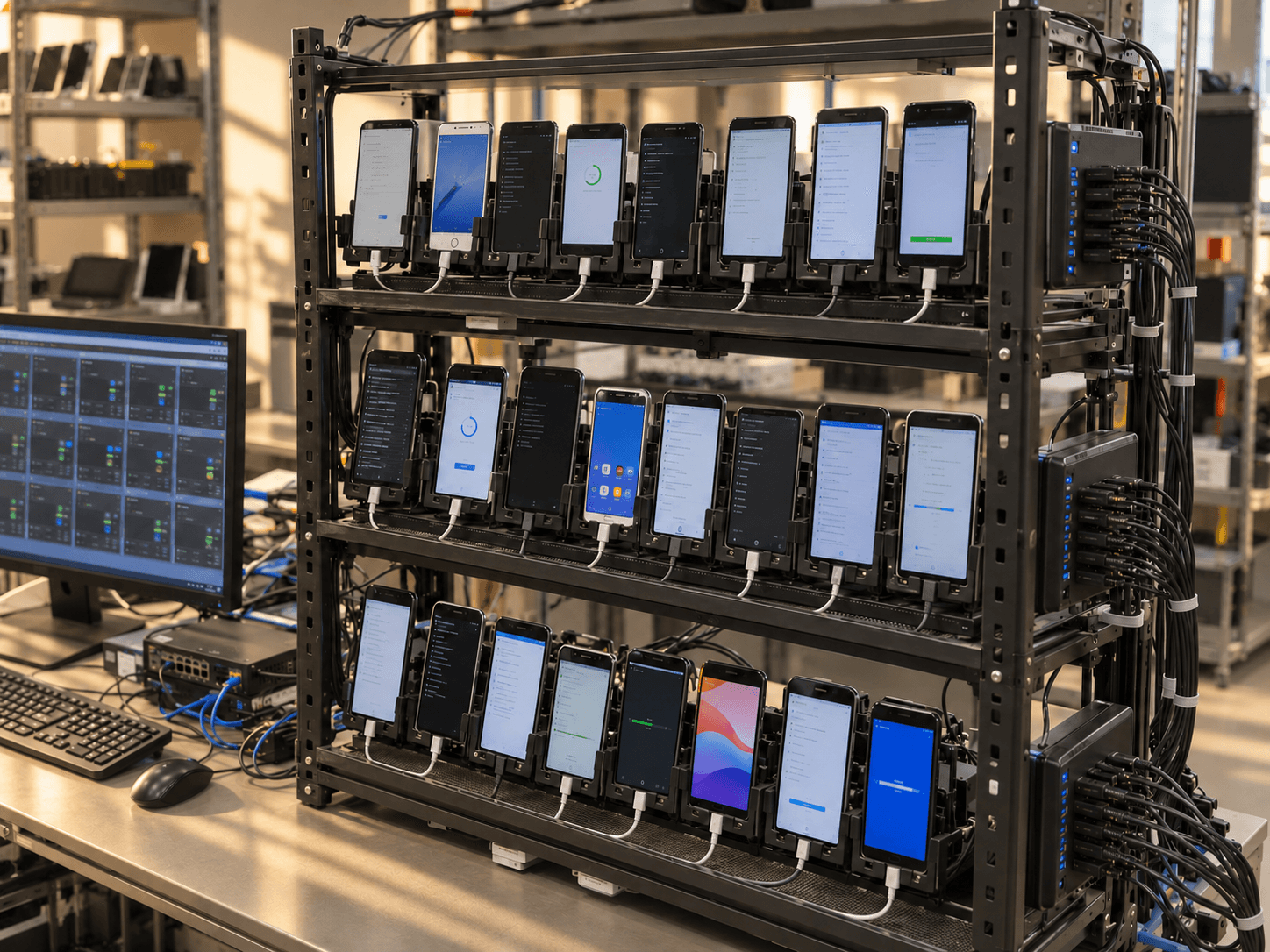
Request real device capacity in North America and prepare your publishing workflow in a shared workspace.
Capacity and pricing are confirmed before activation.
Start with content, devices, or both.
We’ll confirm your plan before activation.
For creators building their content library.
A connected workflow from idea to post.
For teams with content ready to publish.
No card required. Creating an account does not start a paid subscription.
Sign in with your existing Studio Google account, or create one as you continue. Set up your workspace, choose your content and device needs, and request activation. We review availability and confirm pricing with you before any paid service starts.
Yes. Upload your images and MP4 videos to the media library. Use them as references for Studio workflows or prepare your finished videos for device publishing.
Prepare your content and publishing previews in your workspace. Device capacity and account requirements are confirmed during activation. Final posting requires operator approval in the pilot.
Yes. You can request a workspace from your country and request North American device capacity. Platforms set their own residency, account, payout, and monetization requirements. Device location does not change those requirements.
No. Creating an account and requesting activation are free. Generation budgets, device capacity, and pilot pricing are confirmed before paid services begin.
One Studio account. A connected workflow.